
Still to come
TellHex
The fifth product in the set, and the one still being built. Three screens of it have been cleared to show. What they do not show, we are not describing yet.
Coming Soon
First look
Three screens, as they stand today
These are pictures of the application being built, not a description of a finished product. Read them as what is on the screen and nothing further.
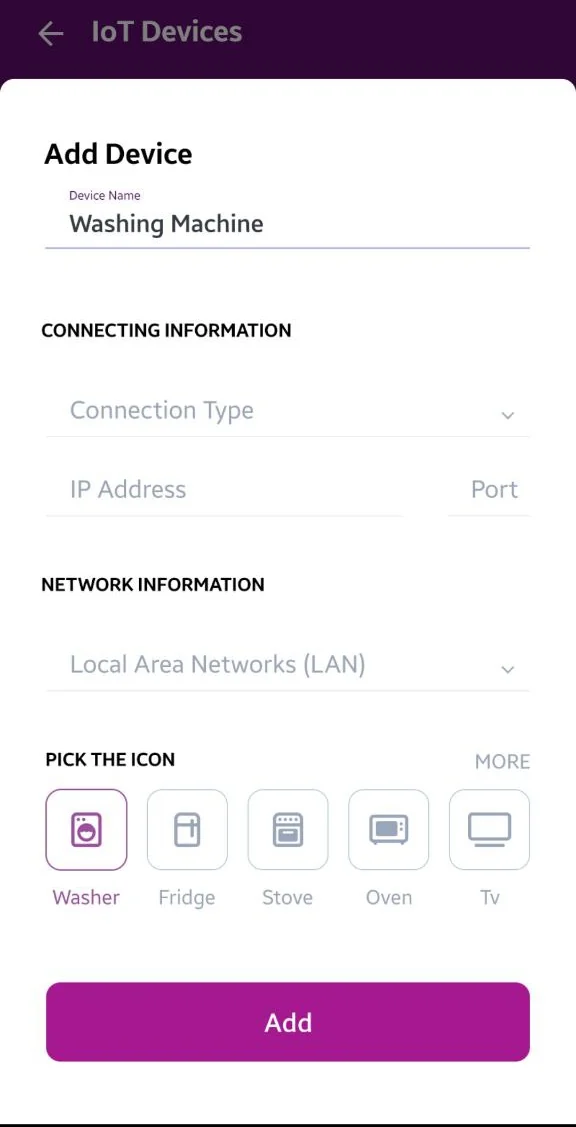
A device is given a name, then the connection and the network it sits on, and an icon so it can be told apart from the others at a glance.
The serial number field on this screen is not in the picture. It held one, and a serial number identifies a piece of hardware, so the band it sat in was left out of the file rather than covered over.
Setting up
Where a network and a company start
-
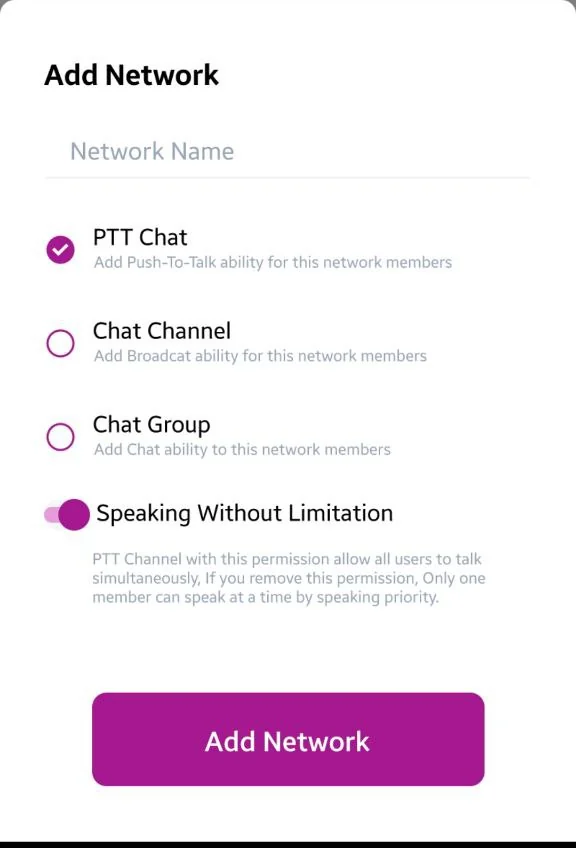
A network is named and its kind is chosen at the point it is made, with the note about each choice written beside it. -
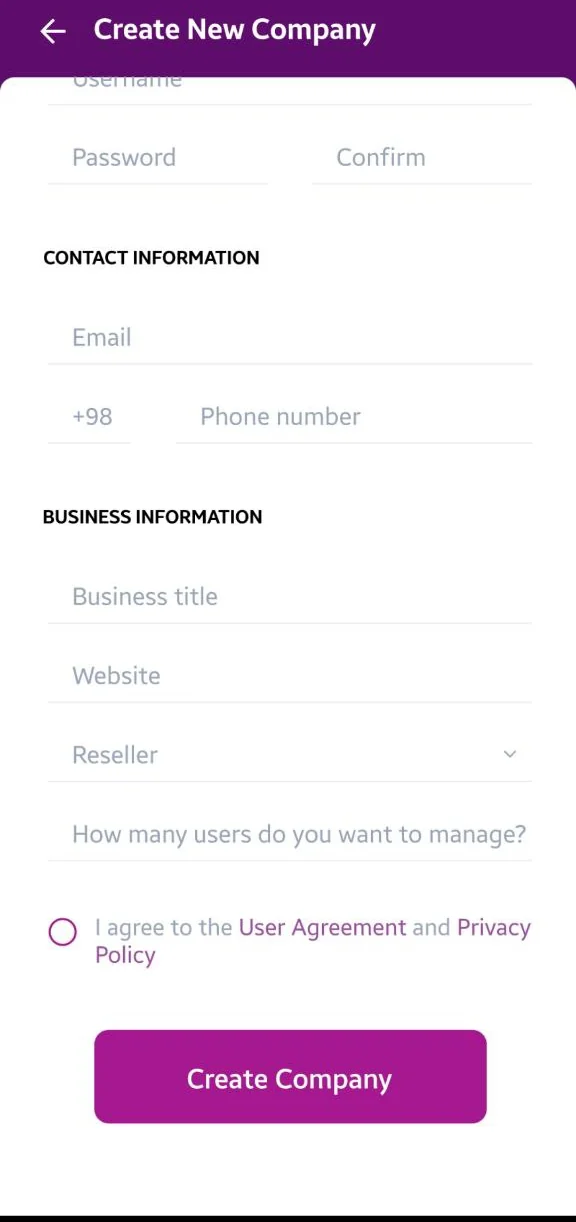
A company is set up from one form. Every field on it is empty here, because nothing about a real one belongs on a public page.
Why this page stops here
Screens now, claims later
We would rather show three real screens than write a page of promises around them. There is no feature list here, no date and nothing to join, because none of those would be true yet.
The other four products each have a page built from the running application, and TellHex gets the same one once it is in use.