

Shared rooms
RoomHex
One room a group shares: a class with a board everyone can draw on, or a cinema where one film plays for everybody at the same time.
- What it is
- A room a group opens together
- Who it is for
- Classes, teams and anyone watching together
- Where it runs
- Android, iOS and the web
A classroom
A board, and everyone around it
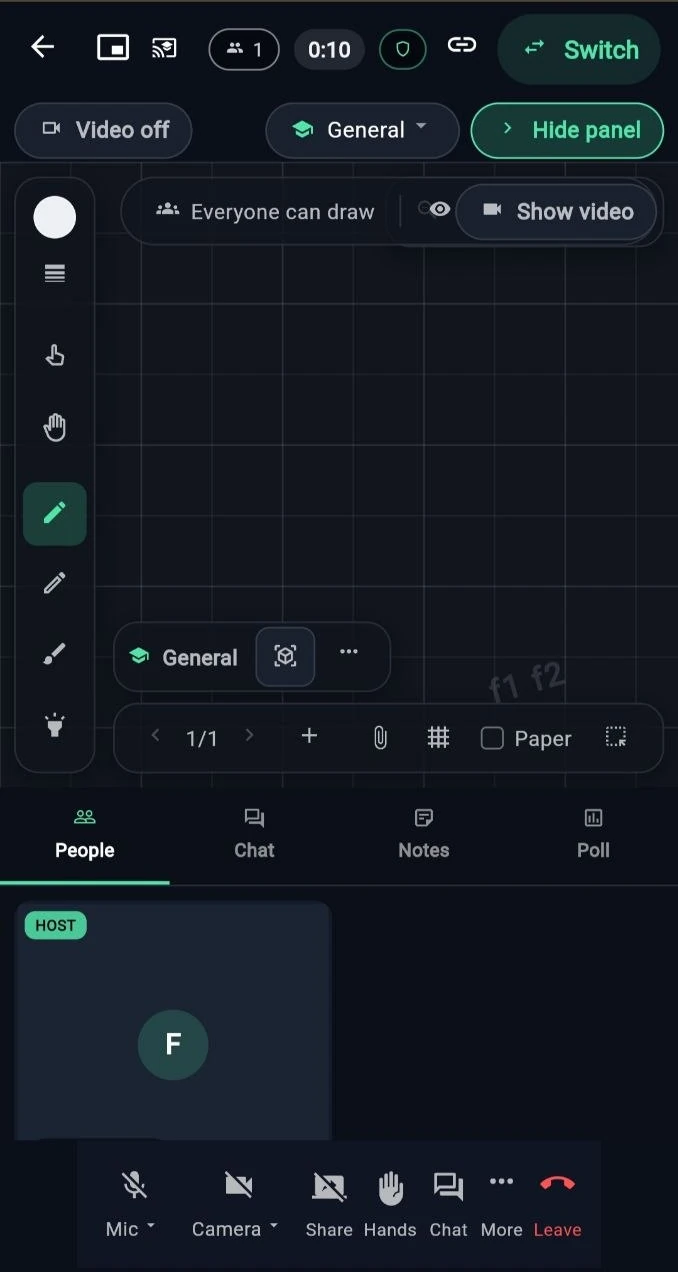
The board is the middle of the room and everyone in it can draw on the same one. The tools sit down one side, and what the room needs beside the board sits under it.
People, chat, notes and a poll are all in the same room, so nobody has to leave it to run the class.
Starting one
Open a room, or join one
-
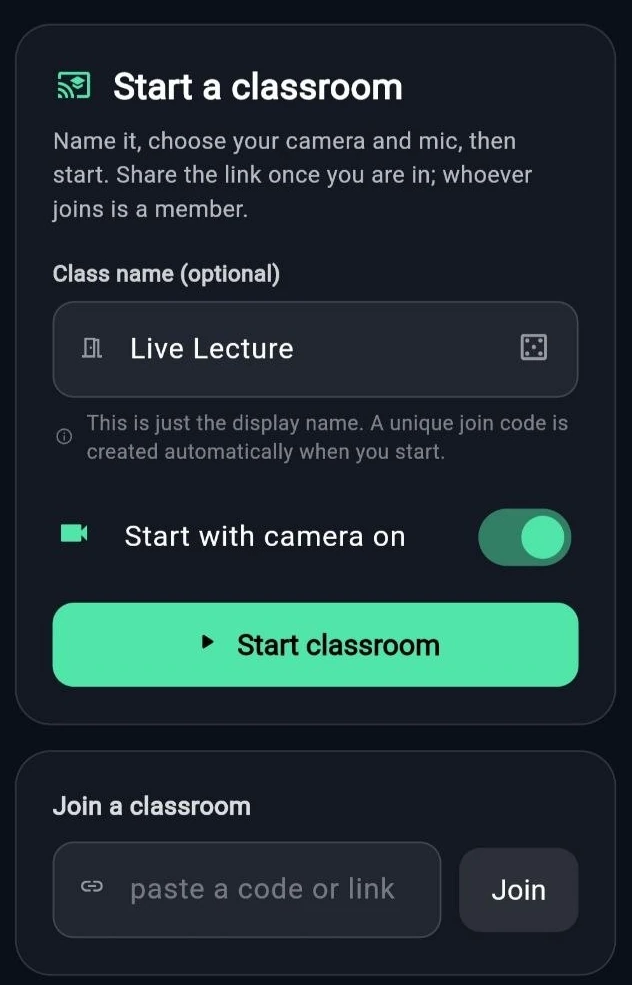
Name the class, choose your camera, and start. A join code is made for you. -

The same tools for everyone in the room, whoever opened it. -
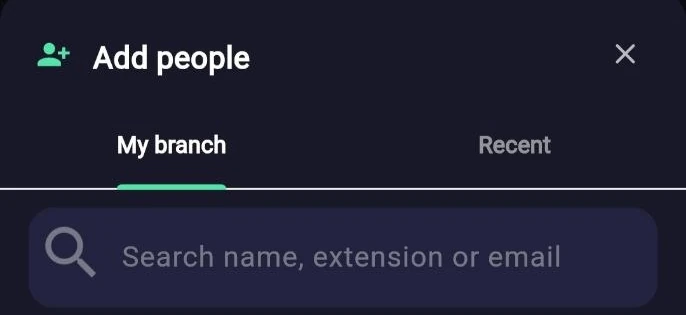
Add people from your branch by name, by extension or by email.
A cinema
One screen, in sync, for everybody
A room can be a cinema instead of a class. One shared screen, kept in step for everyone in the room, with its own chat beside it.
-
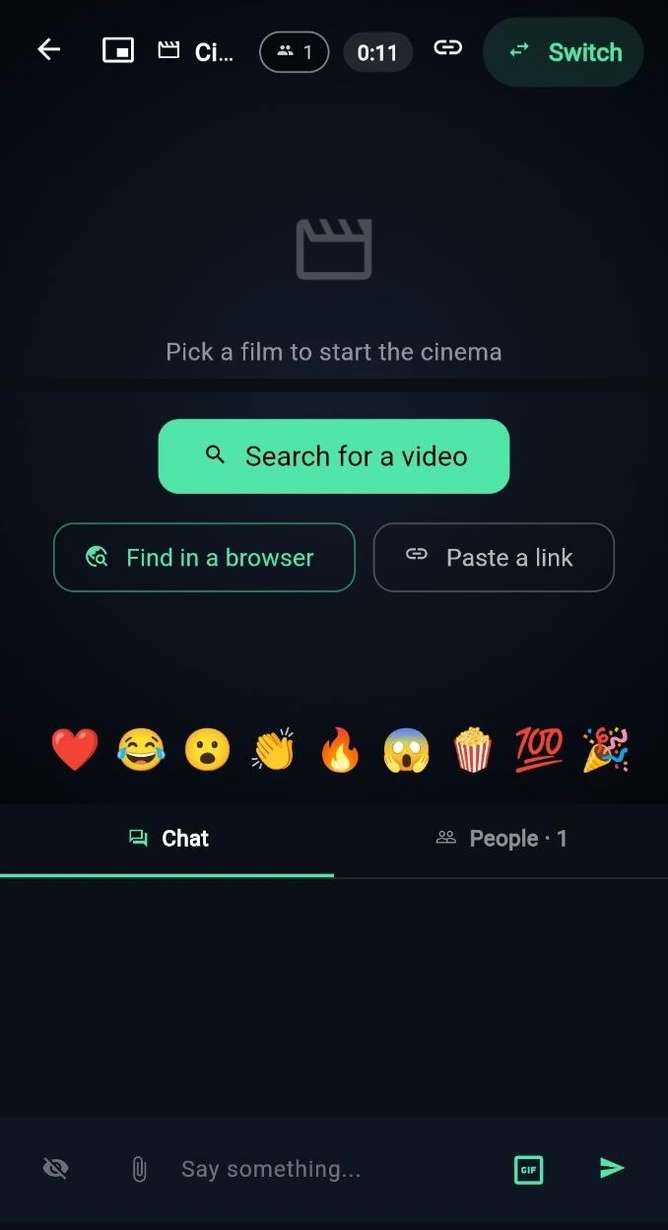
What one person plays, everyone sees at the same moment. -
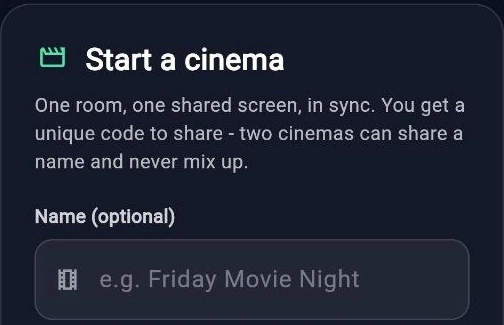
Starting a cinema works the same way a class does. -
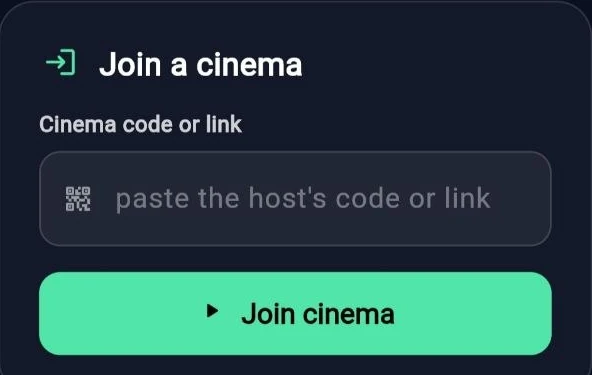
Whoever has the code or the link is in the room. -

Search for something to watch without leaving the room.
Also in it
Calls, contacts and meetings
- One to one An audio or video call to one person, which can switch between the two.
- A meeting A group with screen sharing, chat and a way to raise a hand.
- Contacts A list to call from, and meetings set up ahead of time.